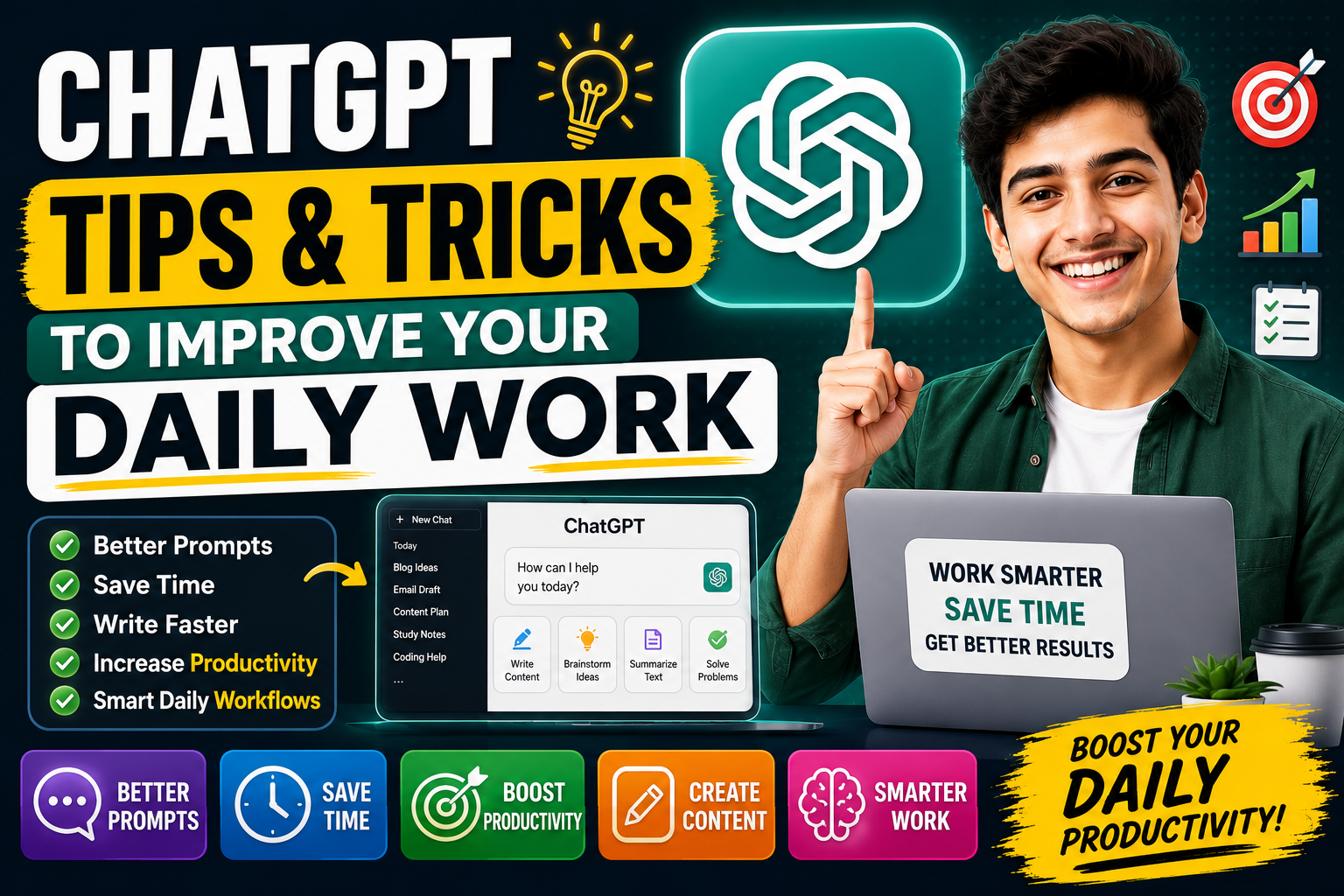
ChatGPT is no longer just a tool for asking random questions. For many people, it has become a daily work assistant. Students use it to understand topics, bloggers use it to plan content, freelancers use it to write client messages, developers use it to review code, and business owners use it to organize ideas.
The real benefit of ChatGPT depends on how you use it. A simple question may give you a simple answer, but a clear and detailed prompt can give you a much better result. This is why learning a few ChatGPT tips and tricks can make a big difference in your daily workflow.
OpenAI describes ChatGPT as an AI chatbot that can help users discover, learn, and create. It supports many types of tasks, including answering questions, drafting and rewriting content, explaining concepts, analyzing information, and more.
In this guide, you will learn practical ChatGPT tips and tricks to improve your daily work. These tips are simple, realistic, and useful for beginners as well as regular users.
1. Start with a Clear Goal
Before you type anything into ChatGPT, decide what you want from it. Do you want an explanation, a list of ideas, a rewritten paragraph, a plan, a summary, or a complete draft?
Many weak ChatGPT results happen because the prompt is unclear. For example, if you write “give me ideas,” ChatGPT may give very general ideas. But if you write “give me 20 SEO-friendly blog post ideas about AI tools for beginners,” the answer will be more useful.
A clear goal helps ChatGPT understand the direction of your request. It also saves time because you do not need too many corrections later.
Weak prompt:
Give me tips.
Better prompt:
Give me 15 practical productivity tips for freelancers who work from home. Keep the language simple and include short examples.
The second prompt gives a topic, audience, tone, and format. That is why it usually produces a better response.
2. Give Context Before Asking
Context is one of the most powerful ways to improve ChatGPT responses. If you only ask a basic question, you will get a basic answer. If you explain your situation, ChatGPT can give a more relevant answer.
For example, instead of asking:
“Write an email.”
Write:
“I am a freelancer. I need to send a polite email to a client asking for missing project details. Keep it professional, short, and friendly.”
This tells ChatGPT who you are, what you need, and how the message should sound.
You can use context for almost every task. If you are writing a blog post, mention the niche and audience. If you are coding, mention the programming language and error. If you are planning a schedule, mention your available time.
The more useful context you provide, the better the output becomes.
3. Use ChatGPT as a Drafting Partner, Not a Final Writer
ChatGPT can create drafts quickly, but the best results usually come after editing. If you are writing blog posts, emails, captions, product descriptions, or scripts, use ChatGPT to create the first version, then improve it with your own voice.
This is especially important for blog content. Google AdSense focuses on quality and originality. Google’s AdSense guidance warns against low-original-content or “cookie cutter” pages made mainly for search engines.
A smart workflow is:
Ask ChatGPT for an outline.
Review the outline yourself.
Ask for a draft section by section.
Add your own examples and experience.
Check facts from official sources.
Edit the article before publishing.
This method makes your content more natural, useful, and original.
4. Ask ChatGPT to Create Multiple Versions
One of the easiest tricks is to ask for different versions of the same content. This works very well for titles, introductions, captions, emails, hooks, and product descriptions.
For example:
“Give me 10 different versions of this blog title.”
“Rewrite this intro in a friendly tone, professional tone, and simple tone.”
“Create 5 short email subject lines for this message.”
“Give me 3 versions: short, medium, and detailed.”
This helps you compare options instead of accepting the first answer. Sometimes the first output is good, but the third or fourth version is much better.
If you are creating content for a website, this trick also helps avoid repetitive wording across different posts.
5. Use Follow-Up Prompts
Many users stop after the first answer. That is a mistake. ChatGPT works better when you guide it through follow-up prompts.
You can say:
Make it more natural.
Add examples.
Make it easier for beginners.
Remove repeated points.
Make the tone more professional.
Add a practical checklist.
Turn this into a table.
Rewrite this for a blog audience.
Make it shorter but keep the meaning.
Follow-up prompts are useful because you do not need to explain everything again. ChatGPT already has the context from the conversation, so you can simply ask for improvements.
This is one of the best ways to get high-quality output without starting from scratch.
6. Ask for a Step-by-Step Plan
If a task feels confusing, ask ChatGPT to break it into steps. This is helpful for writing, studying, coding, business planning, SEO, app development, and daily organization.
Example prompt:
“Create a step-by-step plan to write and publish a blog post about AI tools. Include keyword research, outline, writing, editing, images, SEO, and final checks.”
This type of prompt turns a large task into smaller actions. It helps you avoid feeling stuck.
You can also ask ChatGPT to create daily schedules, weekly content plans, project roadmaps, or study routines.
7. Turn Long Text into Short Summaries
ChatGPT is useful for summarizing long text. If you have a long article, meeting note, email thread, document, or research material, you can ask ChatGPT to extract the main points.
Useful summary prompts include:
“Summarize this in 5 bullet points.”
“Give me the main idea of this text.”
“Turn this long paragraph into a short explanation.”
“Create action items from this meeting note.”
“Explain this document in simple words.”
This can save time, especially when you need to understand something quickly.
However, if the content is important, still read the original source. Summaries are helpful, but they should not replace careful review for serious decisions.
8. Use ChatGPT for Daily Writing Tasks
ChatGPT can help with many small writing tasks that take time during the day. These include emails, replies, messages, captions, descriptions, notes, proposals, and announcements.
For example, you can ask:
“Write a polite reply to this client message.”
“Make this message shorter and more professional.”
“Write a friendly follow-up email.”
“Create a simple project update message.”
“Rewrite this paragraph in clear English.”
This is useful because many people spend too much time thinking about wording. ChatGPT can give you a good starting point, and you can adjust it before sending.
9. Create Templates for Repeated Work
If you do similar work again and again, ask ChatGPT to create templates. This can save a lot of time.
You can create templates for:
Client emails
Blog post outlines
Product reviews
YouTube descriptions
App descriptions
Social media captions
Project proposals
Meeting notes
SEO checklists
Content briefs
Example prompt:
“Create a reusable blog post template for AI tool reviews. Include intro, features, how to use, pros, cons, pricing, alternatives, final verdict, and FAQs.”
Once you have a good template, you can reuse it for future work and only change the details.
10. Ask ChatGPT to Improve Your Prompt
A very useful trick is to ask ChatGPT to improve your own prompt. If you are not sure how to ask for something, write a rough prompt and ask ChatGPT to make it better.
Example:
“Improve this prompt so I can get a better answer: Write article about ChatGPT.”
ChatGPT may turn it into something like:
“Write a 1500-word SEO-friendly blog article on ChatGPT for beginners. Use simple language, practical examples, headings, pros and cons, FAQs, and a natural human tone.”
This is helpful for beginners because it teaches you how to write better prompts over time.
11. Use Tables for Comparison Work
When you need to compare tools, plans, ideas, products, or tasks, ask ChatGPT to create a table. Tables are easier to read and better for decision-making.
Example prompt:
“Compare ChatGPT, Gemini, and Claude in a table. Include features, best use cases, strengths, limitations, and ideal users.”
You can use tables for:
Tool comparisons
Pricing comparisons
Pros and cons
Task planning
Content calendars
Keyword lists
Feature lists
Learning plans
Tables are also useful for blog posts because they improve readability.
12. Use ChatGPT for Brainstorming
ChatGPT is very good for brainstorming because it can quickly generate many ideas. You can use it when you are stuck or need fresh angles.
For example:
“Give me 50 blog post ideas for an AI tools website.”
“Suggest 20 YouTube video titles about productivity.”
“Give me 10 app name ideas for a note-taking app.”
“Suggest 15 thumbnail concepts for a ChatGPT guide.”
“Give me 30 Instagram caption ideas for a fashion page.”
The first ideas may not always be perfect, but they help you start. You can then ask ChatGPT to refine the best ones.
13. Use ChatGPT for Learning New Skills
ChatGPT can explain topics in a simple way. If you are learning something new, ask it to explain the concept based on your level.
Example prompts:
“Explain SEO like I am a beginner.”
“Teach me Java basics step by step.”
“Create a 7-day plan to learn keyword research.”
“Explain this topic with examples.”
“Quiz me on this lesson.”
This is useful for students, freelancers, developers, and anyone learning a new skill.
OpenAI’s ChatGPT overview positions the tool around discovering, learning, and creating, which fits this type of educational use.
14. Ask for Examples, Not Just Explanations
An explanation is useful, but examples make it easier to understand. When ChatGPT gives you a concept, ask for examples.
For example:
“Explain meta description and give 5 examples.”
“Explain professional email tone with examples.”
“Explain Java ArrayList with simple code examples.”
“Explain content outline with a sample outline.”
Examples make the answer practical. They also help you apply the idea immediately.
15. Use ChatGPT to Review Your Work
You can paste your own writing and ask ChatGPT to review it. This is helpful for improving blog posts, emails, scripts, app descriptions, and social media captions.
Example prompts:
“Review this blog intro and tell me how to make it more engaging.”
“Check this email for clarity and tone.”
“Improve this paragraph without changing the meaning.”
“Find repeated words in this text.”
“Suggest better headings for this article.”
This turns ChatGPT into an editor. You still make the final decision, but it helps you notice weak areas.
16. Use ChatGPT for Coding Support
Developers can use ChatGPT to explain errors, write sample code, review logic, and suggest improvements. It can help beginners understand programming concepts and help experienced developers move faster.
OpenAI’s ChatGPT overview includes coding-related features such as Codex and technical work support.
For better coding help, include:
Programming language
Framework
Error message
Code snippet
Expected result
Actual problem
Example prompt:
“I am building an Android app in Java. This RecyclerView is not showing data. Here is my adapter code and logcat error. Please explain the issue and give corrected code.”
Always test the code yourself. ChatGPT can help, but it can still produce incorrect or incomplete code.
17. Use ChatGPT for Content Repurposing
One piece of content can become many smaller pieces. ChatGPT can help repurpose content for different platforms.
For example, a blog post can become:
YouTube script
Instagram caption
LinkedIn post
Pinterest pin title
Email newsletter
Short video script
FAQ section
Social media carousel text
Example prompt:
“Turn this blog post into 5 social media captions, 3 YouTube video ideas, and 1 short newsletter.”
This is useful for bloggers, creators, marketers, and freelancers who want to save time.
18. Use ChatGPT for SEO Support
ChatGPT can help with SEO tasks such as title ideas, meta descriptions, headings, FAQs, content outlines, internal link ideas, and keyword grouping.
Useful SEO prompts:
“Create an SEO outline for this keyword.”
“Write 10 meta descriptions under 160 characters.”
“Suggest internal links for this article.”
“Create FAQs for this topic.”
“Give me related keywords for this blog post.”
For serious SEO work, combine ChatGPT with real keyword research tools and official sources. ChatGPT can help structure content, but you should still check search intent, competition, and current ranking pages.
19. Use ChatGPT Search for Fresh Information
For current information, use ChatGPT’s search-supported features when available. OpenAI’s ChatGPT release notes show that the product changes often, with new features and updates rolling out over time.
This matters because prices, features, software updates, product names, and policies can change. If you are writing about the latest features of a tool, always verify current details from official sources before publishing.
This is especially important for AI tools, finance topics, education results, tech products, and software tutorials.
20. Protect Your Privacy
Do not paste private information into ChatGPT without thinking. Avoid sharing passwords, private client data, bank details, personal documents, or confidential business information.
OpenAI provides Data Controls that let users manage how conversations and interactions are used, including whether conversations may help improve models.
Before using ChatGPT for sensitive work, review your settings and understand what you are sharing.
21. Save Your Best Prompts
If a prompt gives you a great result, save it. Over time, you can build your own prompt library.
You can save prompts for:
Blog writing
SEO articles
Email replies
App descriptions
YouTube scripts
Thumbnail prompts
Product reviews
Client proposals
Coding help
Content planning
This helps you work faster because you do not need to write a new prompt from zero every time.
22. Ask for a Checklist Before Finishing
Before you complete a task, ask ChatGPT for a checklist. This is useful for writing, publishing, coding, designing, and planning.
Example prompts:
“Create a final checklist before publishing this blog post.”
“Give me a checklist for SEO optimization.”
“Create a checklist for app release on Google Play.”
“Give me a checklist for improving this landing page.”
Checklists help you catch missing details before final delivery.
23. Use Role-Based Prompts
Role-based prompts can improve the quality of answers. You can ask ChatGPT to respond like a specific expert.
Examples:
“Act like an SEO expert and review this article.”
“Act like a professional editor and improve this paragraph.”
“Act like a Java Android developer and debug this code.”
“Act like a productivity coach and create a daily schedule.”
This does not make the answer perfect, but it helps set the direction and style.
24. Break Big Tasks into Smaller Parts
If you ask ChatGPT to do too much at once, the answer may become general. For large tasks, break the work into steps.
Instead of asking:
“Create a complete website plan, content, SEO, design, and monetization strategy.”
Break it into:
Create the website structure.
Suggest categories.
Create 50 blog titles.
Write one article outline.
Create SEO metadata.
Suggest images.
Create publishing checklist.
This gives better quality and more control.
25. Always Add Human Review
The most important ChatGPT trick is human review. ChatGPT can help you move faster, but you should still check the final output.
Review for:
Accuracy
Tone
Originality
Repetition
Grammar
Missing details
Outdated information
Brand voice
User value
Policy safety
For AdSense-focused websites, this is very important. Your content should be useful, original, easy to navigate, and created for readers first.
Best Daily Workflows with ChatGPT
For Bloggers
Use ChatGPT to brainstorm titles, create outlines, write drafts, generate FAQs, improve introductions, and create meta descriptions. Add your own examples, screenshots, and personal testing notes before publishing.
For Freelancers
Use ChatGPT to write proposals, client messages, project updates, delivery notes, service descriptions, and follow-up emails. Always adjust the tone before sending.
For Students
Use ChatGPT to explain topics, create quizzes, summarize lessons, and make study plans. Use it for learning, not for copying.
For Developers
Use ChatGPT to explain errors, write sample code, create logic plans, review functions, and understand documentation. Always test the final code.
For Business Owners
Use ChatGPT for customer replies, product descriptions, marketing ideas, meeting summaries, task lists, and planning documents.
Common ChatGPT Mistakes to Avoid
Do not use one-word prompts for complex tasks.
Do not publish raw AI drafts without editing.
Do not trust every answer without checking.
Do not share sensitive private information carelessly.
Do not ask too many unrelated tasks in one prompt.
Do not ignore follow-up prompts.
Do not use the same wording across every blog post.
Do not make fake claims like “guaranteed results” or “100% accurate.”
Conclusion
ChatGPT can improve your daily work if you use it with the right approach. It can help you write faster, organize ideas, learn new topics, create content, summarize information, improve communication, and save time on repetitive tasks.
The main secret is not just using ChatGPT, but using it properly. Start with a clear goal, give context, ask follow-up questions, request examples, review the output, and add your own human touch.
For bloggers, freelancers, students, developers, and business owners, ChatGPT can become a useful daily assistant. But the final quality still depends on your judgment. Use it to speed up your work, not to replace your thinking.
When used carefully, ChatGPT can help you work smarter, stay organized, and create better results every day.