A good ChatGPT prompt can save you time, reduce confusion, and help you get a better answer from the first try. Many people use ChatGPT every day, but not everyone gets useful results. The difference is often the way they ask.
A weak prompt gives ChatGPT very little direction. A strong prompt explains the goal, audience, tone, format, and expected result. OpenAI’s prompting guidance explains that ChatGPT works best when you give clear instructions, and prompt engineering is about refining your input so you get the kind of answer you need.
That is why prompt writing has become an important skill for students, bloggers, freelancers, creators, and business owners. You do not need to be a technical expert to write better prompts. You only need to be clear about what you want.
ChatGPT can help with many tasks, including learning, writing, planning, coding support, summarizing, brainstorming, and productivity work. OpenAI describes ChatGPT as an AI chatbot that helps people discover, learn, and create, while its Help Center notes that ChatGPT can assist with a wide variety of tasks using natural language.
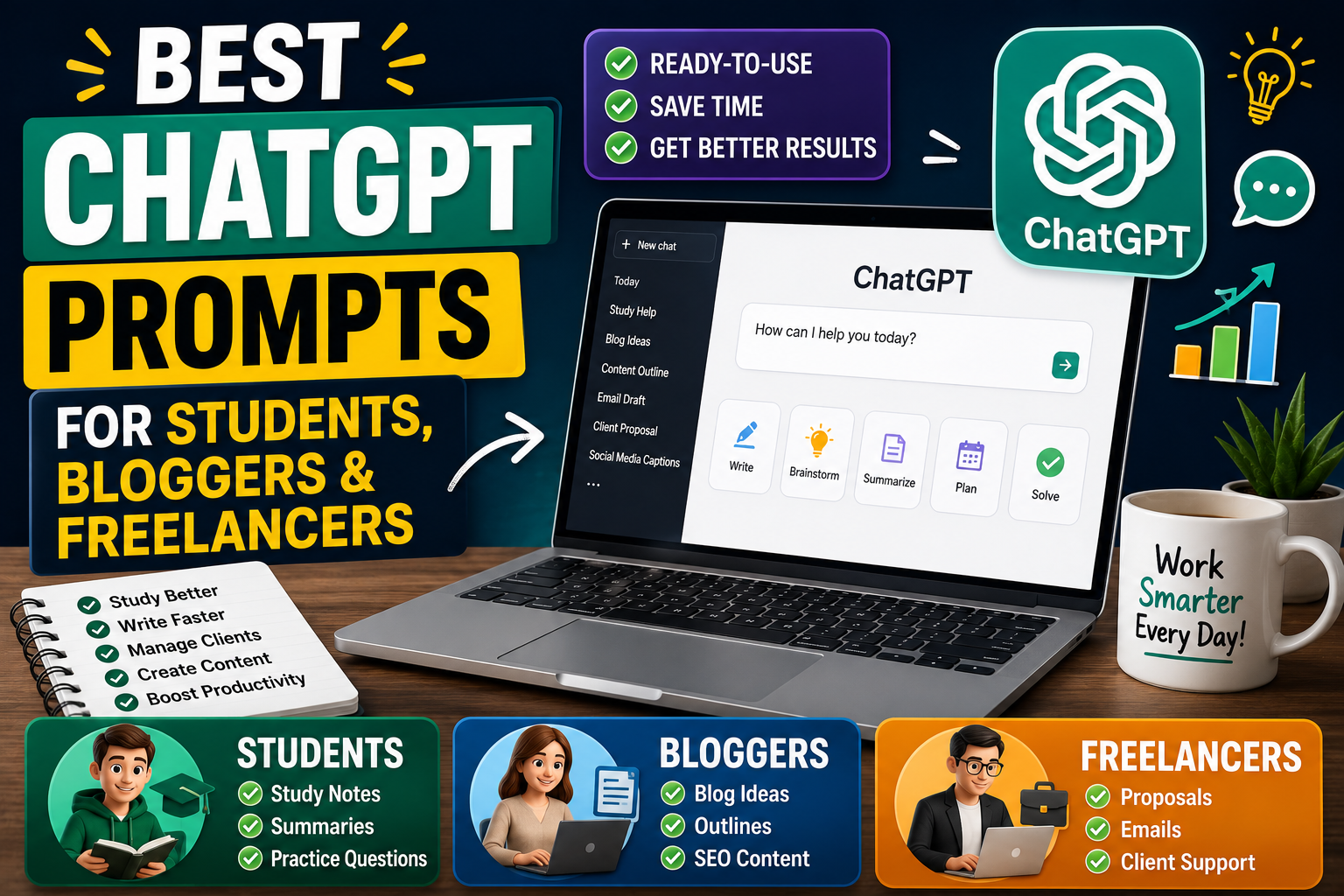
In this article, you will find the best ChatGPT prompts for students, bloggers, and freelancers. These prompts are practical, easy to edit, and useful for daily work.
Why ChatGPT Prompts Matter
ChatGPT is not just a question-answer tool. It works better when you guide it like an assistant. If your prompt is unclear, the answer may be too broad. If your prompt is specific, the answer becomes more useful.
For example, this prompt is too basic:
“Write about freelancing.”
A better version is:
“Write a beginner-friendly blog section explaining how freelancers can find their first client. Use simple language, short paragraphs, and practical examples.”
The second prompt gives ChatGPT more direction. It explains the topic, audience, format, tone, and purpose.
Good prompts help you:
Save time
Get more relevant answers
Avoid generic content
Create better study notes
Write clearer blog posts
Improve client communication
Plan projects faster
Generate more useful ideas
Prompting is not about using complicated words. It is about giving clear instructions.
A Simple Formula for Better ChatGPT Prompts
Before going into the prompt examples, here is a simple formula you can use:
Act as + Task + Context + Format + Tone + Extra Instructions
Example:
“Act as a study coach. Create a 7-day study plan for a 10th class student preparing for science exams. Use a table format, simple language, and include revision time.”
This formula works because it tells ChatGPT what role to take, what task to complete, who the content is for, how to format it, and what style to use.
You can use this formula for almost any task.
Best ChatGPT Prompts for Students
Students can use ChatGPT to understand difficult topics, create study plans, summarize lessons, practice questions, and prepare for exams. The best way to use ChatGPT as a student is to treat it like a learning assistant, not a shortcut for copying answers.
1. Prompt for Understanding a Difficult Topic
Prompt:
“Explain [topic name] in simple words for a student who is learning it for the first time. Use easy examples, avoid difficult terms, and add a short summary at the end.”
Example use:
Explain photosynthesis, algebra, grammar rules, chemical reactions, or world history.
This prompt is helpful because it asks ChatGPT to simplify the topic instead of giving a textbook-style answer.
2. Prompt for Making Study Notes
Prompt:
“Create clean study notes on [topic]. Use headings, short points, important definitions, examples, and a quick revision section.”
This is useful when you want notes that are easier to read before exams. You can paste your class material and ask ChatGPT to organize it.
3. Prompt for Exam Preparation
Prompt:
“Create a 10-day exam preparation plan for [subject]. I can study [number] hours per day. Include topic revision, practice questions, breaks, and a final revision day.”
This prompt gives a personalized study plan. You can change the number of days and hours based on your schedule.
4. Prompt for Practice Questions
Prompt:
“Create 20 practice questions from this topic: [topic]. Include easy, medium, and difficult questions. Add answers separately after the questions.”
This helps students test themselves instead of only reading notes.
5. Prompt for Summarizing Long Text
Prompt:
“Summarize the following text in simple language. Highlight the main idea, important points, and any definitions I should remember.”
Then paste your text.
This is helpful for long chapters, articles, notes, or lecture material.
6. Prompt for Learning English
Prompt:
“Help me improve this English paragraph. Correct grammar mistakes, explain the changes, and rewrite it in a natural student-friendly style.”
This prompt is useful for assignments, essays, emails, and English practice.
7. Prompt for Essay Writing Practice
Prompt:
“Give me an outline for an essay on [topic]. Include introduction points, body paragraph ideas, examples, and a conclusion. Keep it suitable for school-level writing.”
This gives students a structure without directly depending on a copied essay.
8. Prompt for Creating Flashcards
Prompt:
“Turn this topic into flashcards. Create question-and-answer flashcards for key terms, definitions, formulas, and important facts.”
Flashcards are useful for quick revision before tests.
9. Prompt for Time Management
Prompt:
“Create a daily study routine for a student who has school from [time] to [time]. Include homework, revision, breaks, screen time, and sleep schedule.”
This prompt is practical for students who struggle with routine.
10. Prompt for Explaining Mistakes
Prompt:
“I got this answer wrong. Explain why my answer is incorrect, show the correct method, and give me one similar practice question.”
This helps students learn from mistakes instead of only seeing the correct answer.
Best ChatGPT Prompts for Bloggers
Bloggers can use ChatGPT for topic research, article outlines, SEO titles, meta descriptions, content improvement, FAQs, internal linking ideas, and publishing checklists. However, bloggers should not publish raw AI content without editing.
For AdSense-focused blogs, quality matters. Google says AdSense publishers are responsible for the content on pages showing ads, and AdSense program policies require publishers to follow Google Publisher Policies and related rules. Google also advises site owners to contribute their own original content, such as specialist knowledge, improvement ideas, reviews, or personal thoughts.
11. Prompt for Blog Topic Ideas
Prompt:
“Give me 30 SEO-friendly blog post ideas for a website about [niche]. Make the titles helpful, AdSense-friendly, beginner-friendly, and focused on informational search intent.”
This prompt is useful when planning a full content calendar.
12. Prompt for SEO Article Outline
Prompt:
“Create a detailed SEO blog outline for the title: [title]. Include H2 and H3 headings, search intent, target audience, FAQs, image ideas, and internal linking suggestions.”
This helps you plan the article before writing.
13. Prompt for Meta Title and Description
Prompt:
“Write 5 SEO meta titles and 5 meta descriptions for this blog title: [title]. Keep them natural, click-worthy, and not misleading.”
This is useful for improving search appearance.
14. Prompt for Writing a Blog Introduction
Prompt:
“Write a natural blog introduction for this title: [title]. Avoid generic phrases. Start with a relatable problem and keep the tone helpful and human.”
This prompt helps avoid robotic introductions.
15. Prompt for Improving an Article
Prompt:
“Review this blog article and suggest improvements for clarity, SEO, readability, originality, and user value. Do not rewrite the full article unless needed.”
Then paste the article.
This is useful for editing before publishing.
16. Prompt for FAQs
Prompt:
“Create 6 unique FAQs for this blog post: [title]. Make the questions realistic and write short, helpful answers for readers.”
FAQs can help cover extra search queries naturally.
17. Prompt for Internal Linking
Prompt:
“Suggest internal link ideas for this blog post: [title]. Recommend related article titles and explain where each link should be placed.”
Internal linking improves site structure and helps readers discover more useful content.
18. Prompt for Image Alt Text
Prompt:
“Create 8 SEO-friendly image alt text options for this blog post: [title]. Keep them descriptive, natural, and relevant to the article.”
This helps with image SEO and accessibility.
19. Prompt for AdSense Safety Review
Prompt:
“Review this article for AdSense safety. Check for misleading claims, thin content, copied-style wording, unsafe statements, poor user value, and excessive keyword usage.”
This is useful before publishing content on a monetized site.
20. Prompt for Content Refresh
Prompt:
“Update this old blog post outline for better SEO and user value. Suggest new sections, better headings, FAQs, examples, and areas where current information should be verified.”
This prompt is helpful for improving existing posts.
Best ChatGPT Prompts for Freelancers
Freelancers can use ChatGPT for client messages, proposals, service descriptions, project planning, delivery notes, pricing explanations, follow-ups, and portfolio content. The goal is not to sound robotic. The goal is to communicate clearly and save time.
21. Prompt for Client Proposal
Prompt:
“Write a professional freelance proposal for this project: [project details]. Keep it friendly, confident, and specific. Mention relevant experience, project understanding, deliverables, and a clear closing line.”
This prompt helps create proposals that are not too generic.
22. Prompt for Client Follow-Up
Prompt:
“Write a polite follow-up message to a client who has not replied for [number] days. Keep it short, respectful, and professional.”
Freelancers need follow-ups often, but the tone should not sound pushy.
23. Prompt for Explaining a Service
Prompt:
“Explain my service in simple words for a potential client. Service: [service name]. Include what I offer, who it helps, main benefits, and what the client will receive.”
This is useful for Fiverr, Upwork, portfolio websites, and social media pages.
24. Prompt for Project Requirements
Prompt:
“Create a client questionnaire for a [type of project]. Ask clear questions about goals, design preferences, content, timeline, budget, examples, and required files.”
This helps collect project details before starting work.
25. Prompt for Delivery Message
Prompt:
“Write a professional project delivery message for a completed [project type]. Mention what is included, ask the client to review it, and invite feedback politely.”
A good delivery message improves client experience.
26. Prompt for Handling Revision Requests
Prompt:
“Write a calm and professional reply to a client requesting revisions. Ask for specific feedback and explain that I will make the changes carefully.”
This prompt helps avoid emotional or unclear replies.
27. Prompt for Freelance Profile Bio
Prompt:
“Write a freelance profile bio for a [skill/service]. Make it clear, trustworthy, and client-focused. Avoid overpromising. Include skills, experience, and what clients can expect.”
This can be used for marketplaces or personal websites.
28. Prompt for Pricing Explanation
Prompt:
“Write a simple explanation of my pricing for [service]. Help the client understand what is included and why the price is fair. Keep the tone respectful and professional.”
This is useful when clients ask why a service costs a certain amount.
29. Prompt for Project Timeline
Prompt:
“Create a project timeline for [project type]. Include steps from requirement collection to final delivery. Make it easy for a client to understand.”
This helps clients know what to expect.
30. Prompt for Client-Friendly Technical Explanation
Prompt:
“Explain this technical issue to a non-technical client in simple words: [issue]. Avoid jargon and suggest the next step.”
This is especially useful for developers, designers, SEO freelancers, and website builders.
Prompt Customization Tips
The best prompts are not always the longest prompts. They are the clearest prompts. Here are a few ways to customize any prompt in this article.
Add Your Audience
Tell ChatGPT who the answer is for.
Example:
“Write this for beginner bloggers.”
“Explain this for a school student.”
“Make this suitable for a non-technical client.”
Add a Format
Tell ChatGPT how the answer should look.
Example:
“Use a table.”
“Use bullet points.”
“Write it as a checklist.”
“Create a step-by-step guide.”
Add a Tone
Tone changes the personality of the answer.
Example:
“Keep it friendly.”
“Make it professional.”
“Use simple language.”
“Make it polite but confident.”
Add Limits
Limits help avoid overly long or vague answers.
Example:
“Keep it under 150 words.”
“Give exactly 10 ideas.”
“Use short paragraphs.”
“Do not use technical words.”
Practical Step-by-Step Guide to Using These Prompts
Step 1: Choose Your Goal
First, decide what you need. Are you studying, writing a blog post, replying to a client, or planning your work?
Step 2: Pick a Prompt Template
Choose one of the prompts from the relevant section. Students should use study prompts, bloggers should use SEO prompts, and freelancers should use client communication prompts.
Step 3: Replace the Brackets
Where you see [topic], [title], [project details], or [service], replace it with your own information.
Step 4: Add Your Style
Tell ChatGPT if you want the answer to be short, detailed, friendly, formal, beginner-friendly, or professional.
Step 5: Review the Output
Do not use the answer blindly. Check facts, improve wording, and add your own experience.
Step 6: Ask for a Better Version
If the first answer is not perfect, ask:
“Make it more natural.”
“Add examples.”
“Make it shorter.”
“Remove repeated points.”
“Rewrite it in a more professional tone.”
Common Mistakes to Avoid
Using Very Short Prompts
Short prompts can work for simple questions, but they are not enough for detailed work.
Instead of:
“Write blog post.”
Use:
“Create an SEO-friendly blog outline for this title, including headings, FAQs, image ideas, and internal linking suggestions.”
Asking Too Many Things at Once
If your prompt includes too many tasks, the answer may become weak. Break large tasks into smaller parts.
Publishing Without Editing
For bloggers, this is a major mistake. Always edit the content, add original screenshots, examples, testing notes, and your own perspective.
Ignoring Fact-Checking
ChatGPT can be helpful, but important information should be verified. OpenAI’s Help Center explains that ChatGPT can produce incorrect or misleading answers, so users should check important information.
Repeating the Same Prompt Style
If every post on your website uses the same prompt style, the content can feel repetitive. Change the structure, examples, FAQs, and tone for each article.
Helpful Checklist
Before using a ChatGPT prompt, check these points:
Does the prompt explain the task clearly?
Did you mention the audience?
Did you include the topic or project details?
Did you request a format?
Did you mention the tone?
Did you ask for examples if needed?
Did you review the final answer?
Did you fact-check important details?
Did you add your own experience before publishing?
Did you avoid misleading claims?
Conclusion
ChatGPT becomes much more useful when you know how to ask the right way. A strong prompt can help students study better, bloggers plan stronger articles, and freelancers communicate more professionally with clients.
The best ChatGPT prompts are clear, specific, and practical. They tell ChatGPT what to do, who the answer is for, how the response should look, and what tone to use. Once you understand this, you can create prompts for almost any task.
Students can use prompts for notes, summaries, revision plans, practice questions, and explanations. Bloggers can use prompts for SEO outlines, FAQs, meta descriptions, article improvements, and AdSense safety checks. Freelancers can use prompts for proposals, client replies, service descriptions, project timelines, and delivery messages.
The most important thing is to use ChatGPT as an assistant, not as a replacement for your own thinking. Review the output, improve it, add your own experience, and make sure it truly helps the reader or client.